










Destroy Any Website
- Developer
- Hugo Duprez
- Load Speed
- Fast (0–60 sec)
- Release Date
- Sep 2026
- Last Updated
- Play Mode
- Single Player, Online Multiplayer
- Local Players
- 1 Player
- Controls
- Keyboard & Mouse, Touch Controls
What Is Destroy Any Website?
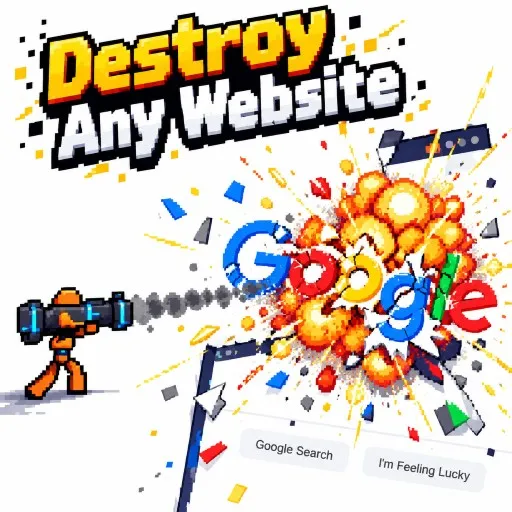
Destroy Any Website turns webpage text and layout elements into scenery you can blast apart. Play alone for a destruction sandbox or challenge friends in online deathmatch. Hugo Duprez developed the game, published by Sprite Fusion.
Game Screenshots
Webpages Become Your Playground
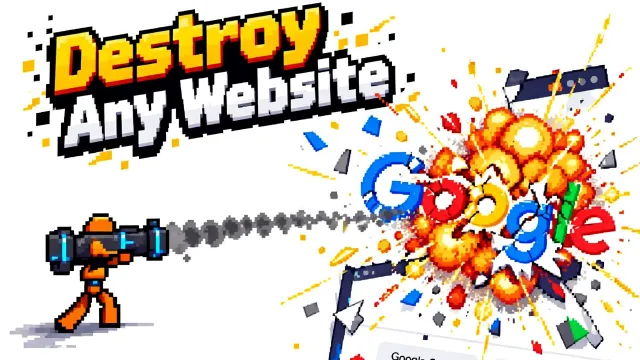
Enter a website address or choose the built-in demo. Experiment with pistols, SMGs, rockets, a neutron star gun, a magic wand and a drone-mounted gatling gun. Grenades and a jetpack add explosions and aerial movement.
For multiplayer, choose quick match or create a friend room. Share an invitation or room code; the host selects the website. The publisher advertises room play with up to five friends.
Game Controls
- A / D or arrow keys: run.
- Space / W: jump; tap again to flip; hold to fly.
- S: drop through platforms; hold to continue falling.
- Move Mouse: aim.
- Left Click: fire.
- Right Click: throw a grenade.
- 1–0 or Scroll Wheel: change weapons.
- Esc: open the menu.
- Tab: view scores.
On touch screens, use the lower-left movement area, touch the page to aim and fire, and tap the grenade or weapon buttons.
Before You Start a Match
Try the demo first to practise flying and dropping through page elements before choosing your own level. In multiplayer, finish menu changes promptly: opening the pause menu does not stop the match.
Frequently Asked Questions
Which browsers can I use?
The publisher lists Chrome, Firefox, Safari and Edge on desktop.
Why does the game ask for a wider screen?
The game requires enough horizontal space. Widen the browser window, use a larger screen, or rotate your phone sideways when prompted.
Is there a paid download?
The publisher offers free browser play. The game also displays an optional Halloween Skin Pack purchase; no official standalone installer was identified.
What should I do if the game won't load, lags, shows a blank screen, or won't start?
Try one of these four steps:
- Clear your browser cache, then reload the game.
- Open the game in an incognito or private browsing window.
- Try a different browser, such as Microsoft Edge or Google Chrome.
- On the game cover, click Primary in the top-right corner and select a different game source, if available.
What should I do if matchmaking stays on "Connecting" or the loading circle keeps spinning?
Matchmaking can take longer when fewer players are online or when servers are busy. A persistent "Connecting" message can also indicate a connection or server issue. Try these options:
- Recommended: on the game cover, use the source selector in the top-right corner (usually labeled Primary) to try another available game source. This may help if the current source is having connection issues, but different sources may share the same matchmaking servers. If no other source is available, try the options below.
- Browse Similar Games on this site and try a similar game while you wait.
- Choose a Single Player game that does not require matchmaking. PvE games may also be suitable, but check that they support solo play: a PvE tag alone does not guarantee single-player or offline play.


Leave a Comment
Comments (0)